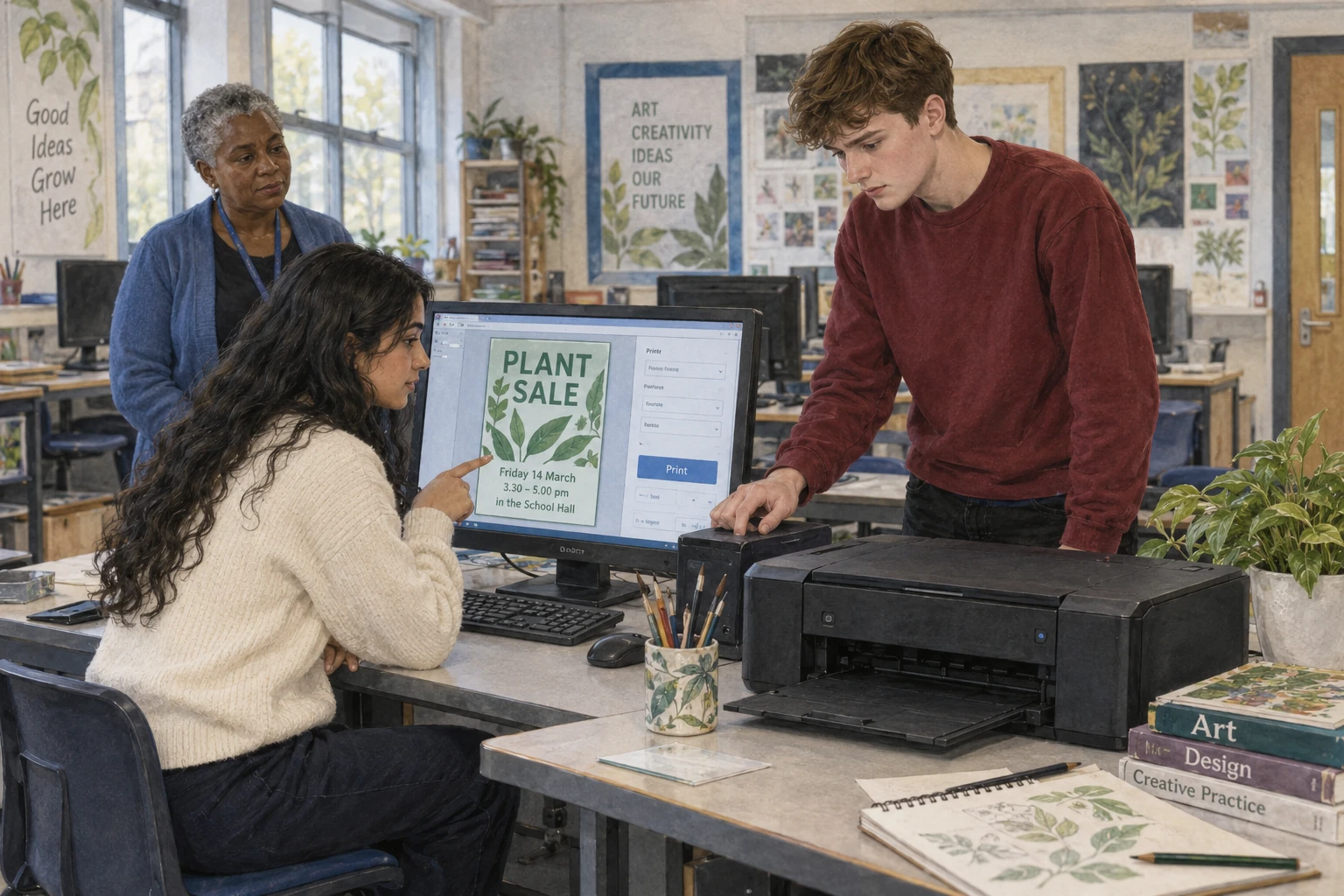
The Printing Queue
School Readers · Level 14Peter has made a poster for the school plant sale. Sofia checks the date and time on the screen. Everything looks right. Peter presses Print and waits beside the printer. No paper comes out.
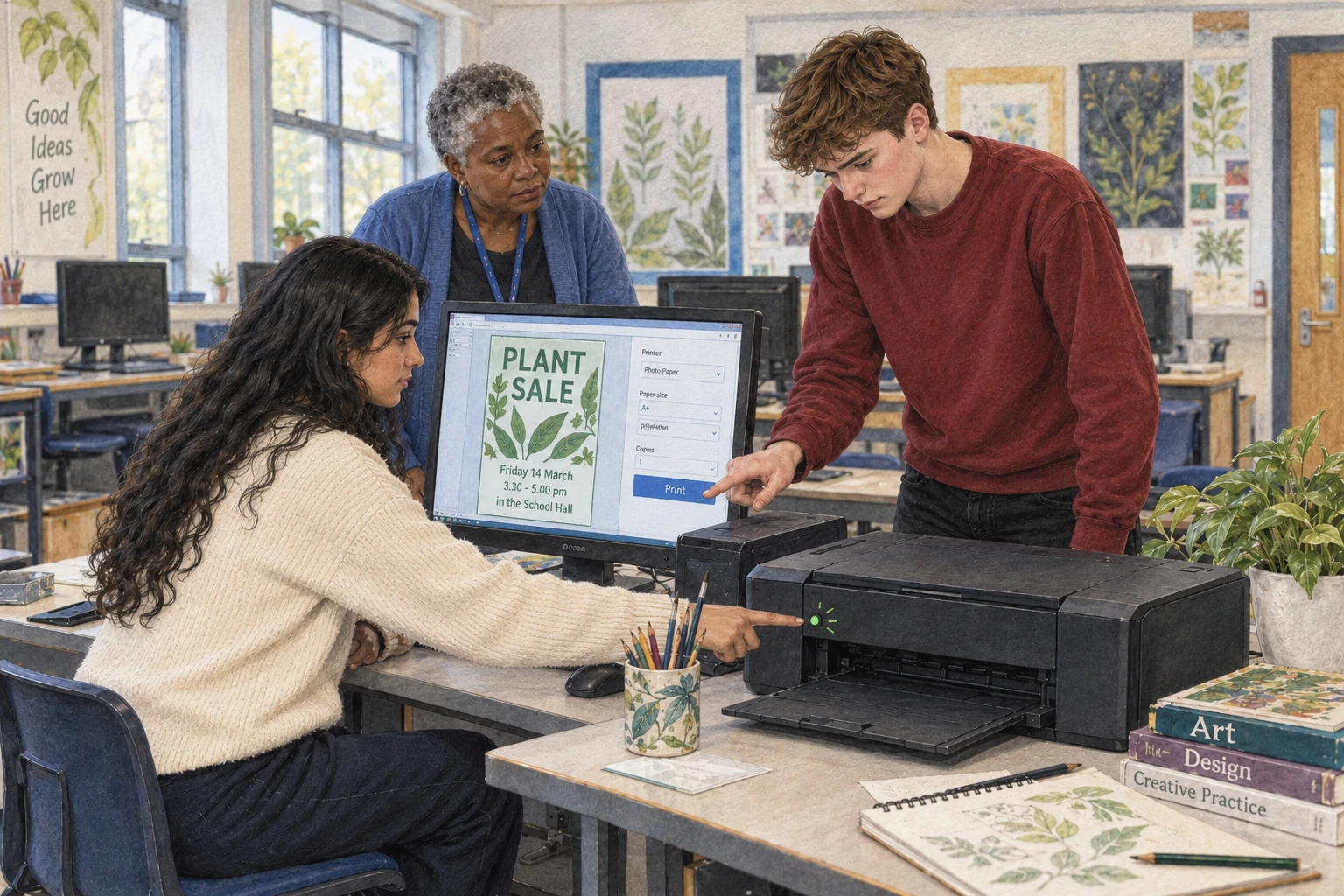
He presses Print again, then twice more. Still nothing happens. “Perhaps it did not hear me,” he says. Sofia points to a small light. It is blinking. They ask their teacher before touching the printer.
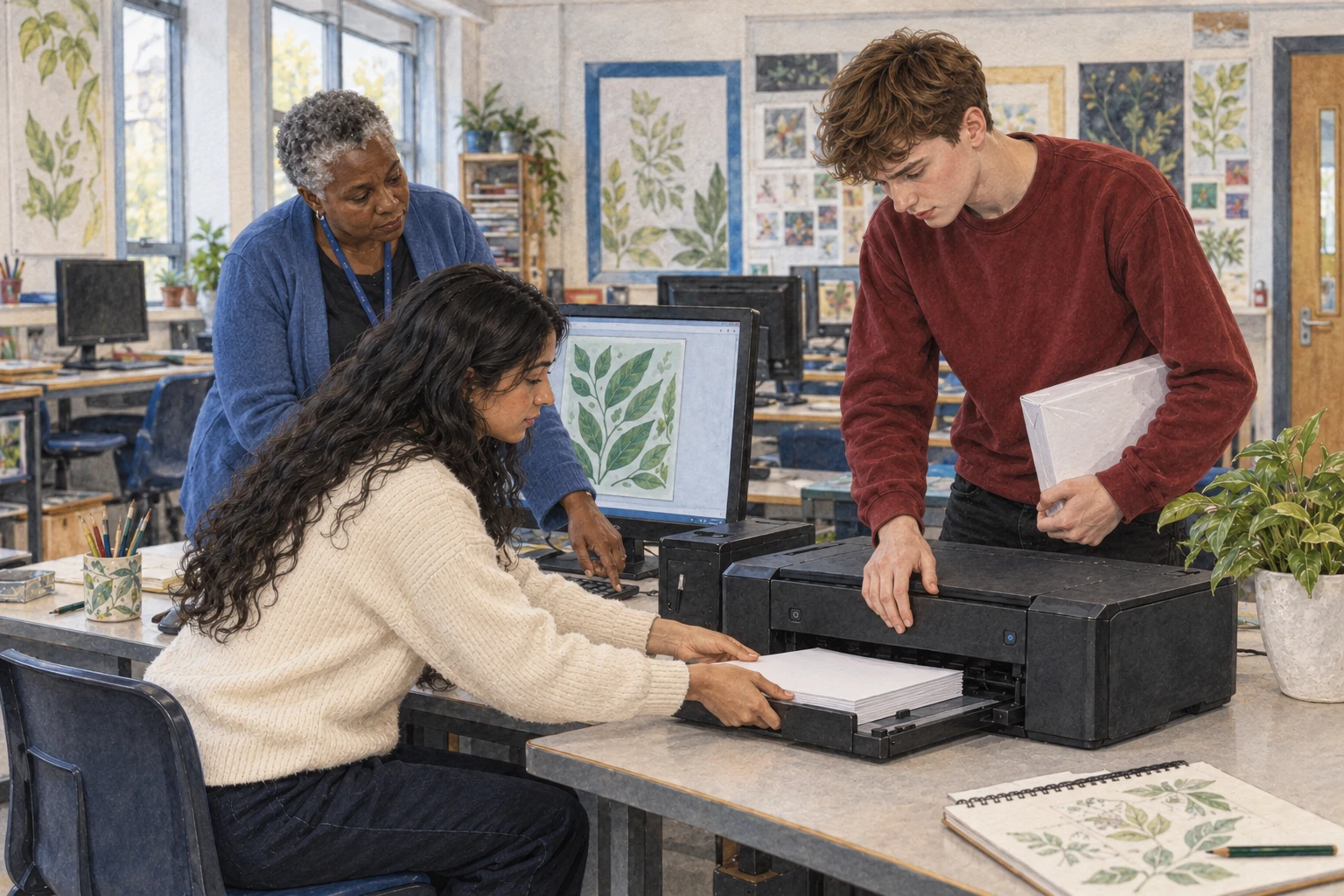
The teacher checks the paper tray. It is empty. Peter finds a new pack of paper on the shelf. Sofia helps him put a small stack into the tray. They slide it shut carefully.

The printer starts at once. One poster comes out, then another. Peter looks surprised. He only needs one for the door. “Each click sent another copy,” says Sofia. The printer has been keeping a queue.
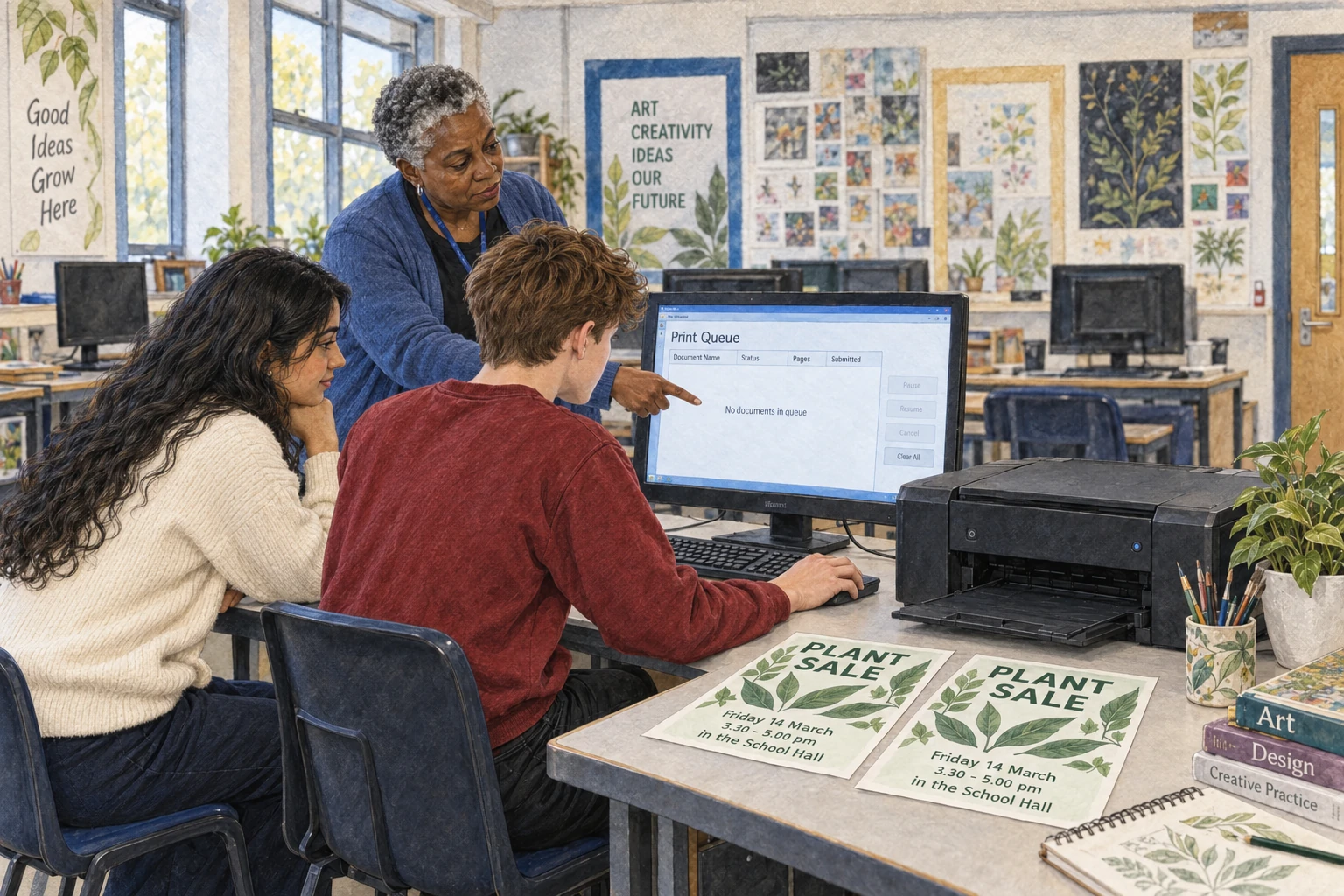
Peter looks at the list on the screen. Two more copies are waiting. The teacher shows him how to stop them. He checks the list again. Now there are no copies left in the queue.

Sofia picks up the two finished posters. “We can use this one by the gate,” she says. Peter checks with the teacher. They have permission to put a second poster there, so neither copy is wasted.
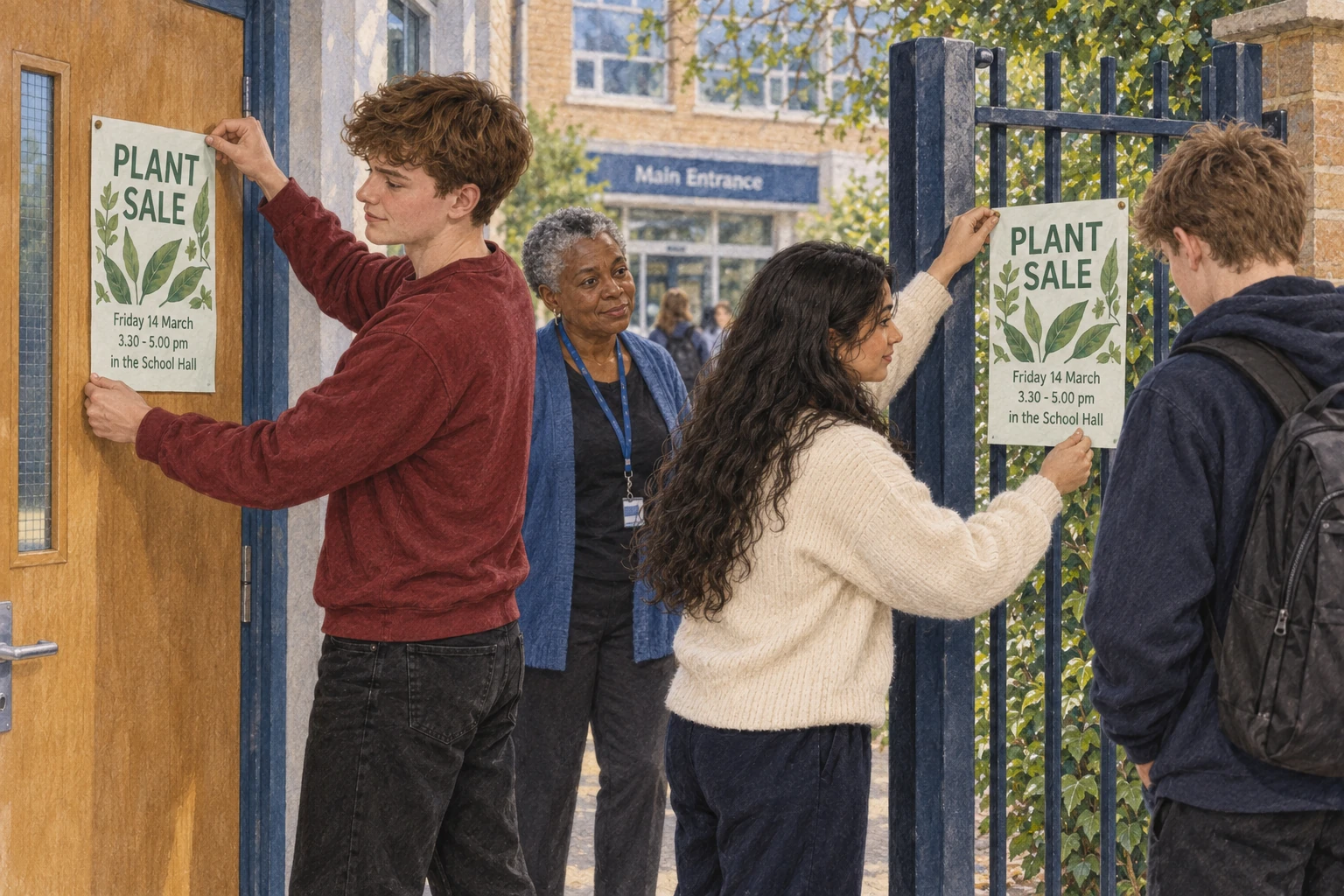
They put one poster on the door and the other by the gate. A student stops to read the sale time. Peter is glad they checked the date before printing. At least both posters have the right information.
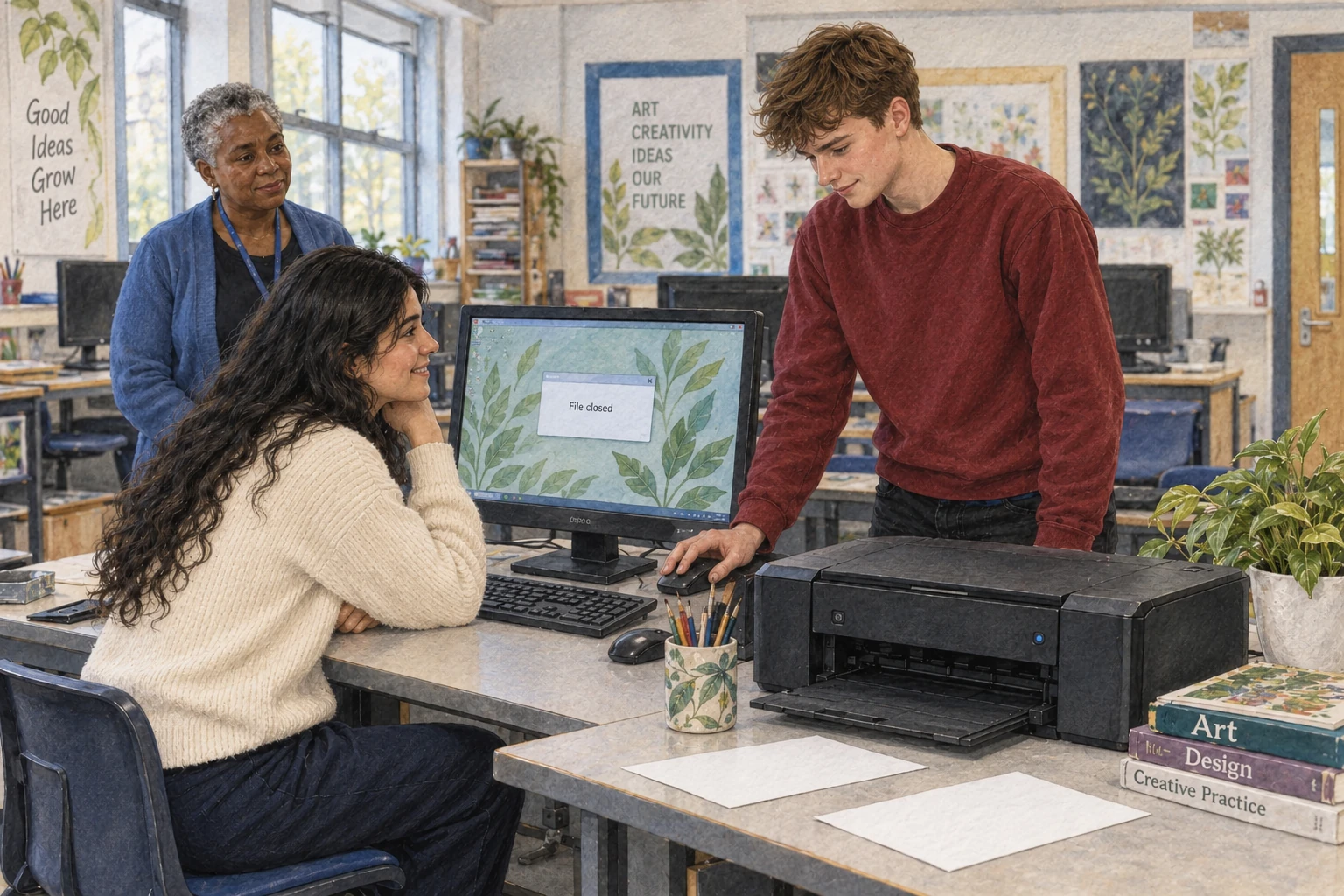
Back in the art room, Peter closes his file. Next time, he will check the paper and the queue before clicking again. Sofia smiles. “The printer was listening,” she says. “It was just waiting.”